
Before you book
What to do when a laptop gets wet
Power it off, disconnect the charger, and resist the urge to test it repeatedly. Fast, careful action limits further board damage.
Laptop care · 4 minQuick guide
Electronics diagnostics & repair · Cape Town
Knowledge from the bench
Practical advice for protecting your devices, spotting faults early, and making smarter repair decisions.
Care · Troubleshooting · Buying advice · Repair decisions
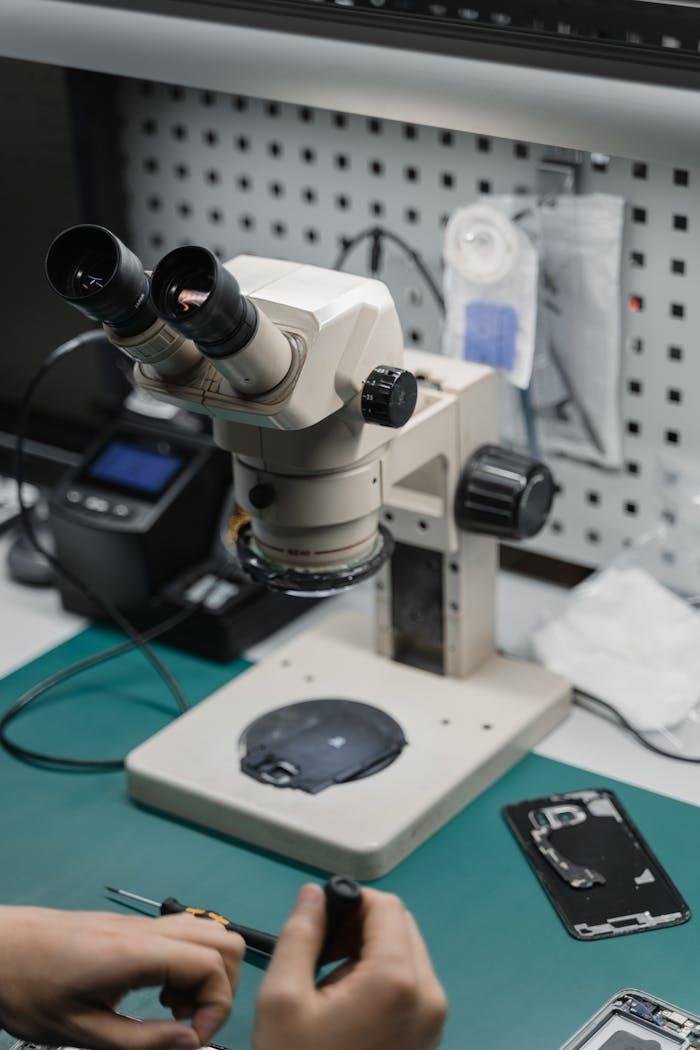
Before you book
Power it off, disconnect the charger, and resist the urge to test it repeatedly. Fast, careful action limits further board damage.
Troubleshooting
A failed backlight is common, but power, panel, and main-board faults can look similar. Here is why diagnosis matters.
Console care
Airflow, dust, placement, and thermal performance all affect temperature. Small habits can extend your console’s useful life.
Buying advice
A well-tested refurbished machine can offer excellent value. Focus on condition, battery health, upgradeability, and support.
Repair decisions
Compare repair cost, replacement value, data, familiarity, expected lifespan, and environmental impact—not price alone.
Data safety
Your charger, login details when appropriate, a clear fault description, and a recent backup can make diagnosis smoother.
The safe first response
Switch off, disconnect power and do not keep testing the device.
Unplug it immediately and keep it away from combustible material.
Stop charging or pressing on the casing and ask for safe handling advice.
Avoid repeated startup attempts if a drive is clicking or no longer detected.
If the fault persists, stop guessing and let us take a look.