
Laptop & desktop repair
- ✓No power / no display
- ✓Slow performance & upgrades
- ✓Liquid damage
- ✓Data recovery
Electronics diagnostics & repair · Cape Town
Repair services · Cape Town
From obvious damage to intermittent board faults, we diagnose before replacing parts and explain the trade-offs in plain language.
Computers · TVs · Consoles · Audio · Board repair
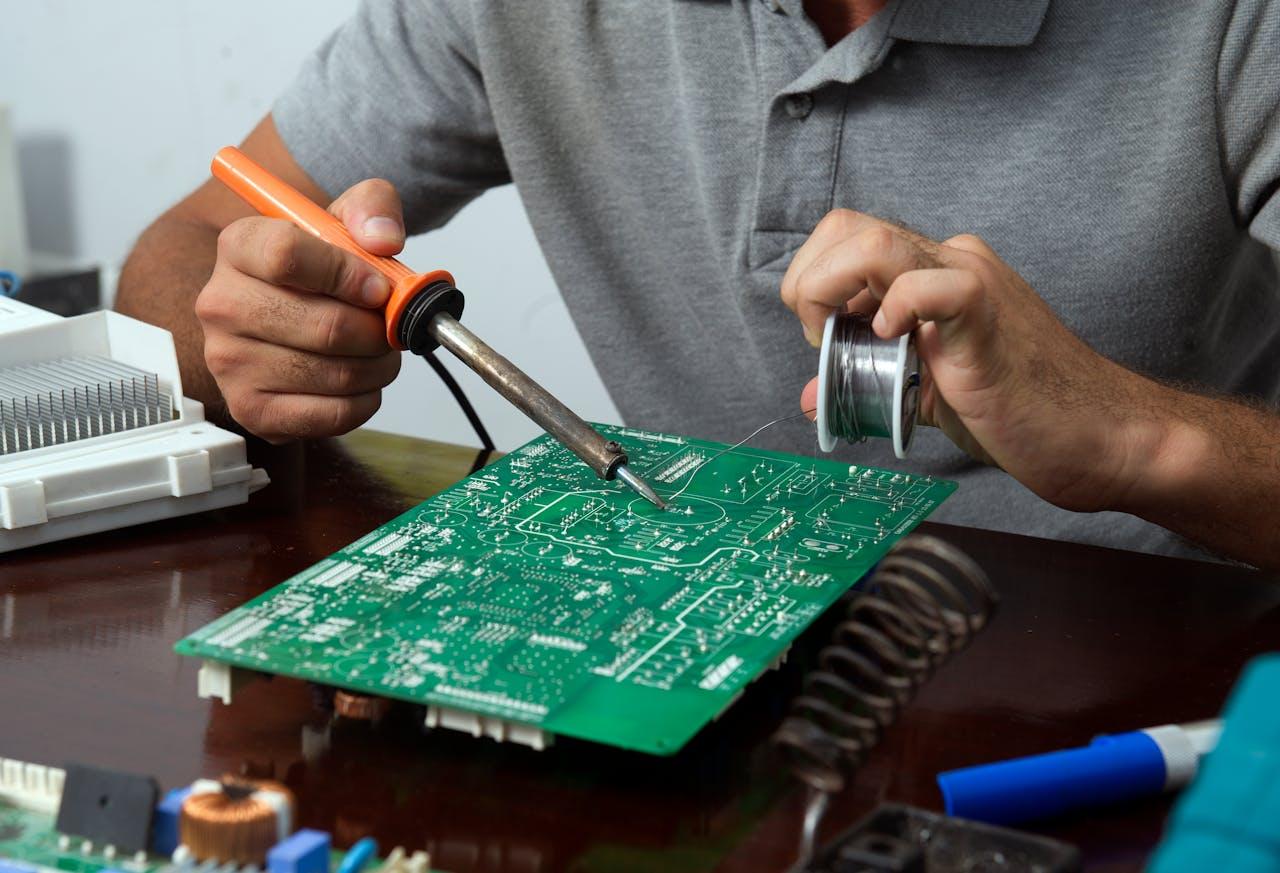
Board-level capability
Accurate diagnosis can isolate a failed port, power rail, connector, or individual component—often avoiding the cost and waste of replacing an entire board.
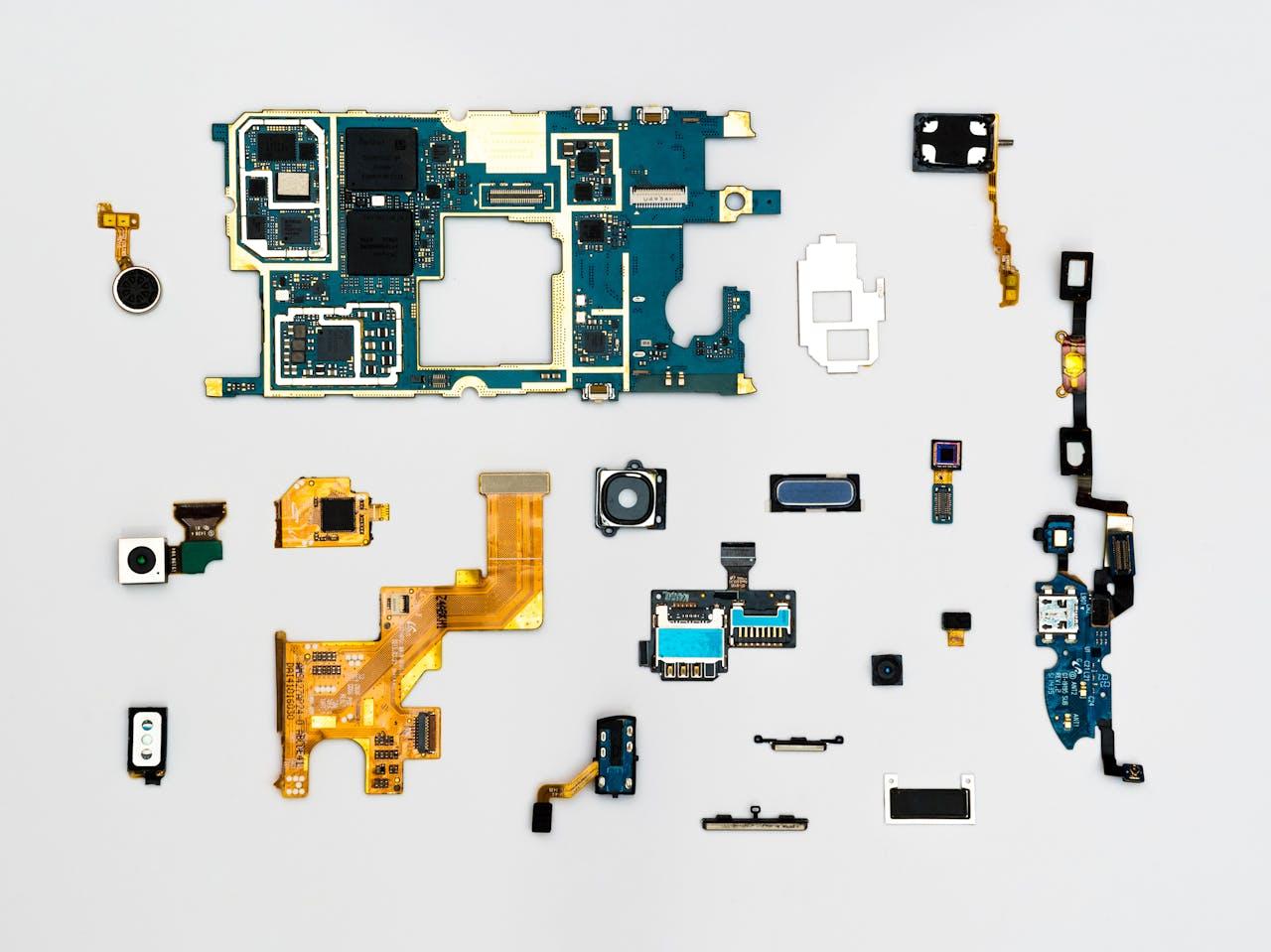
Common symptoms
Device is completely dead or shuts down unexpectedly.
Power is present, but the display remains black or distorted.
Fans run loudly, performance drops, or the device becomes unusually hot.
Charging, HDMI, USB, or audio connections are loose or unreliable.
Buzzing, clicking, distorted audio, or abnormal fan noise.
Freezing, crashes, long startup times, or intermittent faults.
Before you arrive
Back up important data if the device still starts.
Bring the charger or power supply if power is part of the fault.
Note any error messages and when the problem occurs.
Do not keep powering on liquid-damaged electronics.
Workshop and courier
The workshop serves Bellville and the wider Cape Town area. If you are farther away, contact us before booking a courier so we can confirm the device type and safe shipping requirements.
Visit Shop 6 Delphi Arena, 1 Old Oak Road, Kenridge, with the device and any fault-related power supply or accessory.
Available by arrangement for suitable devices from elsewhere in South Africa.
Ask about desktops, displays, audio equipment and other workshop-assessable electronics.
Send the brand, model and symptoms first. Repairability and parts availability vary.
Before you commit
These details can vary by repair. Cape Tech will confirm what applies to your device rather than promise a one-size-fits-all answer.
Assessment requirements can differ by device and fault. Contact the workshop with the brand, model and symptoms so any applicable charge can be explained before you book it in.
Timing depends on diagnosis, workload and parts availability. The workshop will give you the best available estimate once the fault and repair route are understood.
Coverage can vary according to the completed repair and parts used. Ask the team to confirm the applicable cover on your quote or invoice before approving the work.
Payment requirements are confirmed by the workshop for the specific job. No additional repair work should proceed until the quoted route has been explained and approved.
Repair is not always the right answer. The workshop will explain the practical options so you can compare the repair route with replacement before deciding.
Start with a diagnosis
You do not need to diagnose it yourself. Tell us what happened, what the device is doing, and when the problem started.